|
I was talking to a customer and he asked if there was a CAD product that his marketing and sales staff could use to access their CAD data to create presentations. IronCAD, INOVATE and Compose offer an incredible solution. If this of interests and you would like to see a demonstration how this can be utilized in different departments or for design give me a call.
Also take a look at our other article:
IronCAD has a "FREE PRODUCT" called Compose!!
Please take a look, it has all the incredible capabilities to utilize data to view, configure and communicate as IronCAD/INOVATE.
CATALOGS!!!
What are Catalogs?
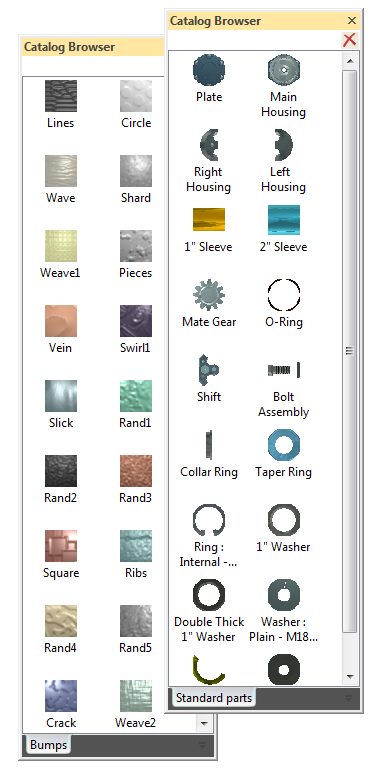
It is fun to drag a cube, cylinder, holes, etc from the standard catalogs and create your design. But you can also save any object to a customer catalog and have them available as standard objects, parts or assemblies. These objects, parts or assemblies can be linked to part files and will be updated when the parts/assemblies are updated.
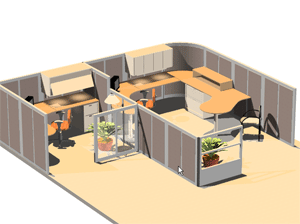
This is where IRONCAD/INOVATE steps out of the mechanical CAD product mold. You can even utilize IRONCAD as a facilities, Interior Design (home, office, aircraft, yacht, tree house, etc.), you can create indirect lighting, fly thru's, animations, realistic renderings, virtually any graphic scene you want. Take a look below at some of the renderings of the some of the projects.
IRONCAD is what I consider the NON-CAD CAD package. What I mean
is that it can deliver capabilities
beyond a standard mechanical CAD
package. In the beginning it was
releases as a graphics design package,
which I sold as an add-on to CADKEY to
provide realistic rendering and
animation. Then the CoCreate folks
purchased it an turned the focus on an
engineering package, but left all of its
magnificent graphic design capabilities. Here are a few areas that are outside the realm of engineering that IRONCAD/INOVATE can be utilized across the corporate enterprise. By creating parasolid or acis parts or assemblies, these can be imported into IRONCAD or INOVATE and used in the following departments.
Sales:
The sales staff can create catalogs of parts and just drag and drop parts or assemblies into one database. Move, align, match into new assemblies. Print renderings or create jpg's, tiffs or fully animated presentations.
Procurement:
Procurement can create documents which include the PDF of the drawing and 3D PDF of the part for quoting or generate a export of any of the standard translation formats. When they import an assembly they can separate the parts individually or by assembly.
Marketing:
The graphic designer can create incredible renderings or animations for marketing materials or the website.
Tech Pubs:
Manuals or instruction sheets can easily be created in IRONCAD's wonderful drawing format. With the ability to make all the sheets in one file, the documents can then be exported as PDF'S.
Any place where the CAD data can be utilized, IRONCAD/INOVATE offer an incredible enhancement and continuity to your companies enterprise graphic solution.
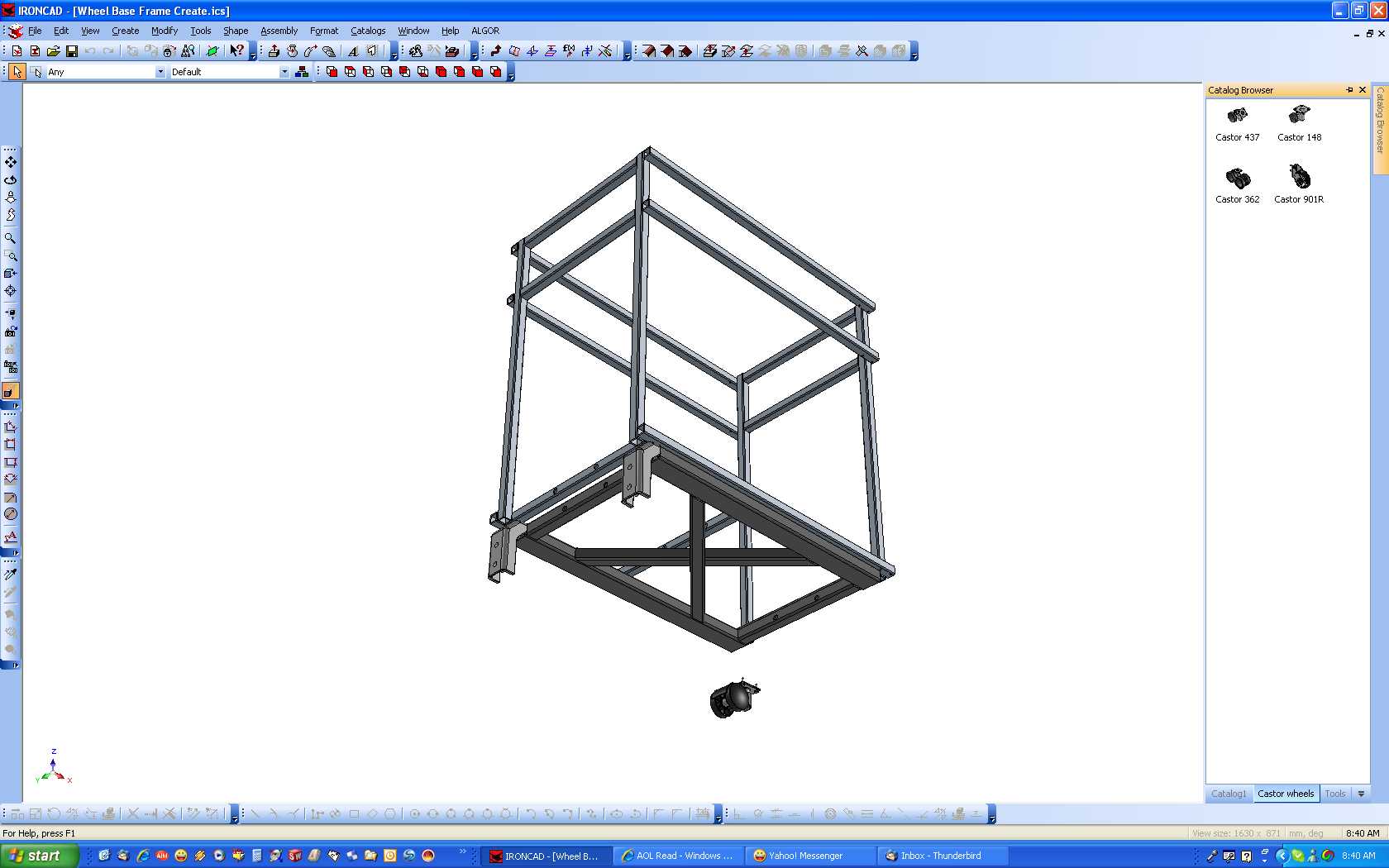
Here is a screen of IRONCAD and the catalog. This one has all of the Castors on the right. You can create any type of catalog you need.
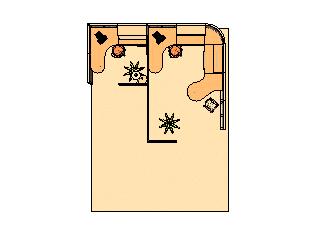
Here are a few other renderings where standard parts from catalogs can be utilized.
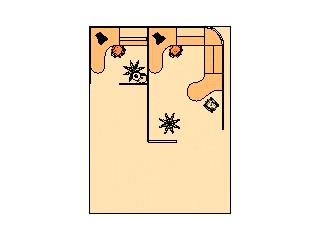
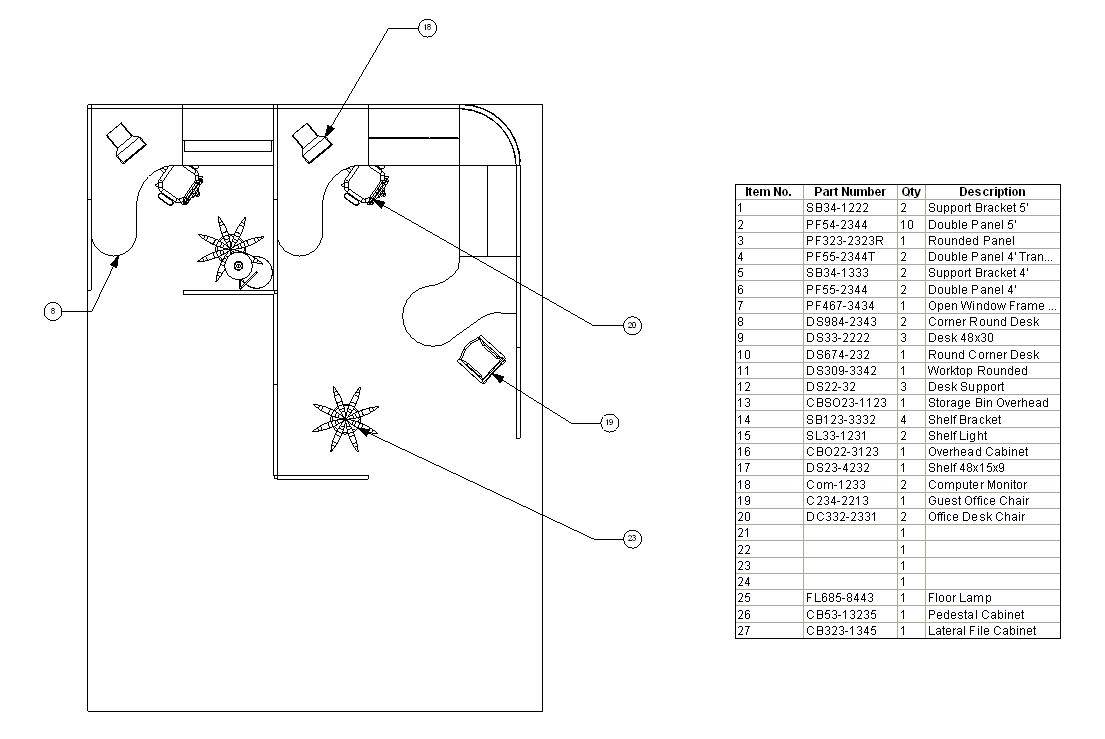
Office
Realistic Rendering Plan view with perspective Plan View with no Perspective
Drawing with item bubbles and parts list.
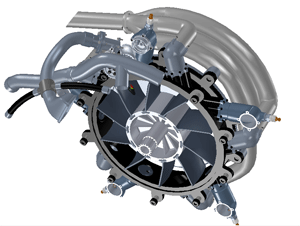
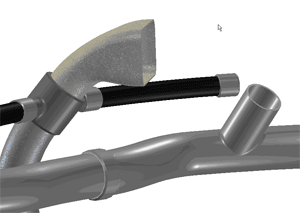
P art in Assembly Catalog part
TECH-NET Engineering Services!
If you are interested in adding professional
hybrid modeling capabilities or looking for a new solution to
increase your productivity, take some time to download a fully
functional 30 day evaluation and play with these packages. Feel free
to give me a call if you have any questions or would like an on-line
presentation.
|


TECH-NET ASSOCIATES | RENDERING OF THE MONTH | CAD•CAM SERVICES
HARDWARE | TECH TIPS | EMPLOYMENT | CONTACT