|
Explicit vs. Hybrid Modeling
I have been preaching the capabilities Explicit modeling for that last few months. Focusing most of the attention on SpaceClaim and IRONCAD/INOVATE. Of course, KeyCreator is also an excellent explicit modeler, but it also offers HYBRID modeling.
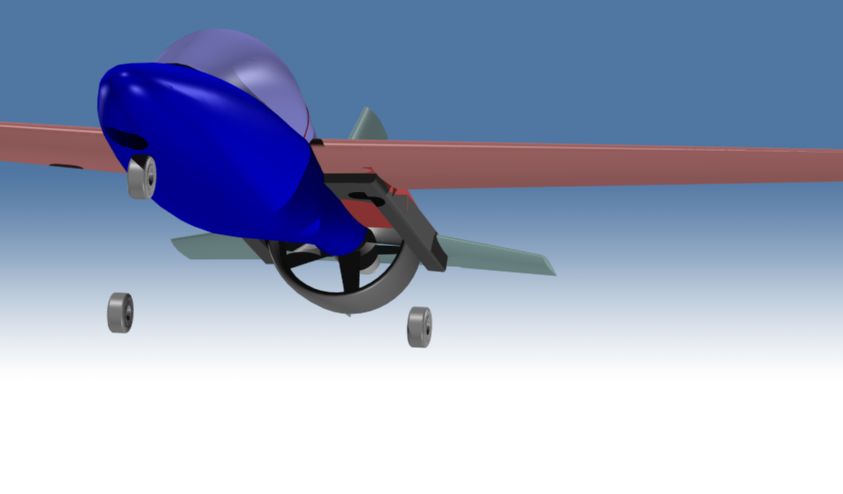
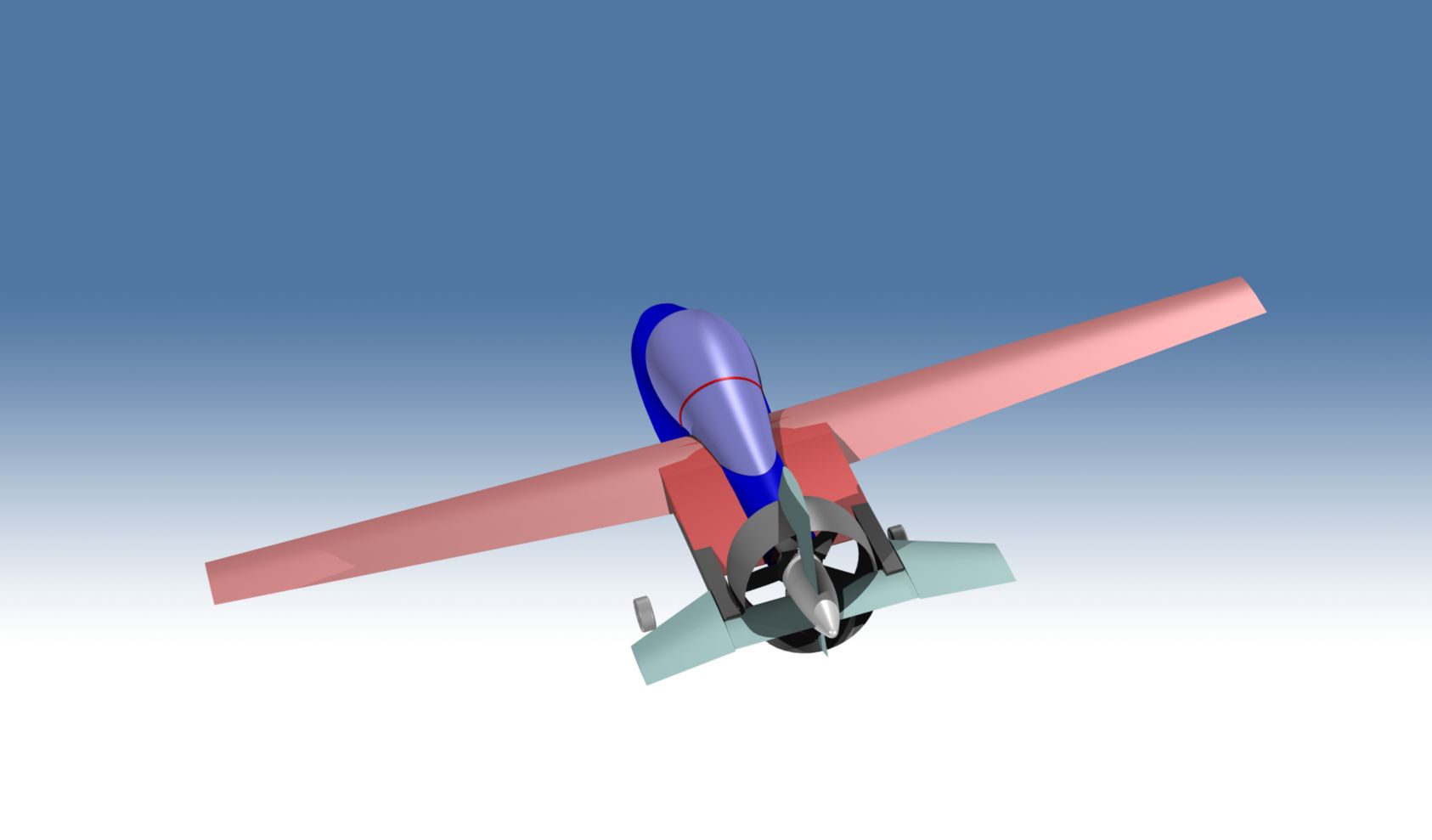
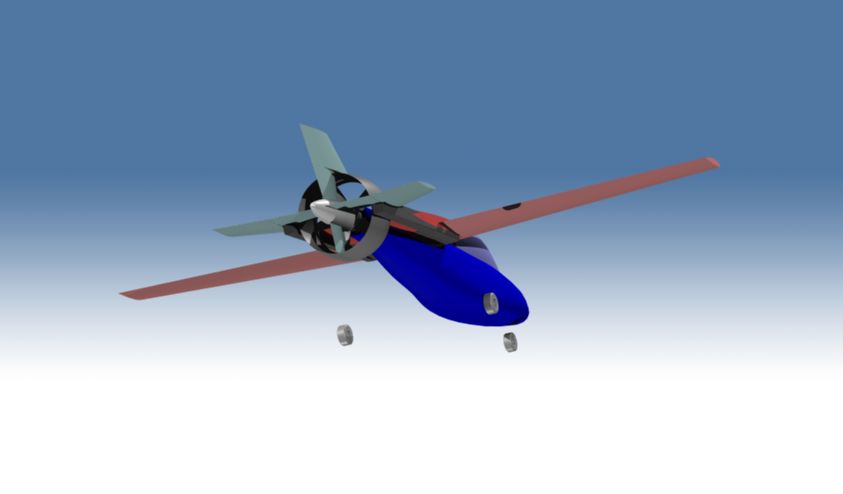
What is the difference between Explicit and Hybrid modeling? Explicit modeling focuses only on solid models. Now most of the engineering design is now being done in a solid only modeling package. Hybrid modeling offers all forms of entities in one single design space. 2D/3D Wireframe, Surfaces and Solids. There are only 3 products that can do this. KeyCreator, VX and Rhino. KeyCreator is by far the most powerful, easy to use Hybrid modeler. With its easy to use interface and 3D space where all entity types can coexist. It has an easy to use leveling system that allows nested levels to separate your parts and states of parts. Level management really is your history, allowing you the have parts in different levels of completion. Even though you have a high level of direct face editing you can do a massive what if scenarios. One of my associates was striving to use Solidwork to design a new experimental airplane. He asked me to come on board as a designer. He asked what software we should use, because the project was getting bogged down with Solidworks. I suggested KeyCreator. After going through Dr. Walt's KeyCreator training manual and watching me manipulate the 2D, surfacing and solids and using the levels he was blown away. Much of aircraft design is done in 2D, he could see he could do massive design and evaluation without worrying about creating complex solid models. We are now working from his sketches and creating the airplane. We will be documenting our progress on the TECH-NET, Inc. website so I will keep you all informed. (See the renderings on our main website page, we will soon be documenting the projects status) Below is an example of KeyCreators Hybrid modeling capabilities of a problem one of my KeyCreator users presented to us. It looked easy enough, but soon I was perplexed. I quickly realize this part was not going to be created in solids and I started working with surfaces. Even then it was a challenge and after about 4 hours of playing I came up with the following procedure. I sent this challenge to the AE (Application Engineers) of my Solids only products only to have them say they couldn't do it. It was a fun project. Feel free to contact us if you have a challenging job or if you need any CAD work done, drafting, design, solid model conversion, etc. You can contact us at 206-623-1403 or jb@tecnetinc.com for evaluation of any our products, demonstrations or any support questions. Joe Brouwer The Original Wireframe. ![]()
Created two surfaces with the Swept Surface Command, one director, two generators.
![]()
Exploded those surfaces to create the lower wireframe. Wanted to have the center surface as one surface.
![]()
Using the Curve Mesh Surface Command the single surface was created. Selecting the 4 side curves and the three horizontal curves.
![]()
Then using the Cover Surface Command the end was create. One tangent, one non-tangent and the guides curve.
![]()
Created other end.
![]()
Closed bottom with Create Planar Trimmed Boundary Surface and healed into a solid.
![]()
Then shelled the bottom.
![]()
Below is the part created as a solid model. It was create with trial and error using variable fillets.
![]()
|