|
DESIGN
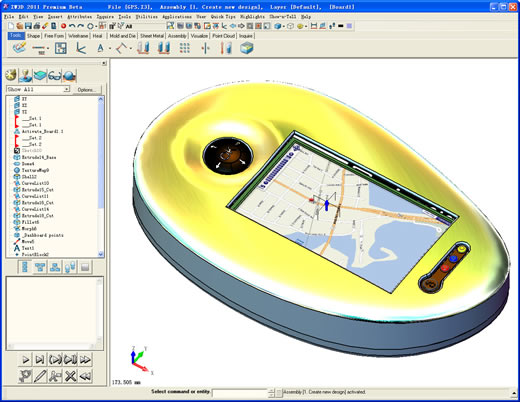
Built on its own OverdriveTM kernel, ZW3D enables engineers to work
seamlessly and simultaneously with wire frame, solids and free-form A-class
surfaces, parametrically capturing design intent to produce fully validated
digital prototypes. Design vault tools manage engineering change, making
collaborative and concurrent working a reality.
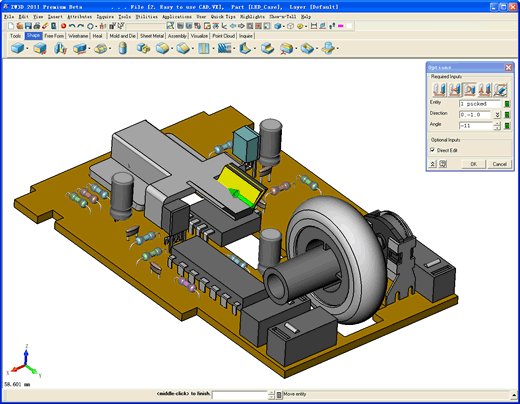
ZW3D allows the modification and manipulation of both open and closed models with its SmoothflowTM direct editing. Interactive and ergonomic graphical editing commands raise productivity levels through a combination of direct and parametric modeling, allowing designers to concentrate on the design and not the design system.
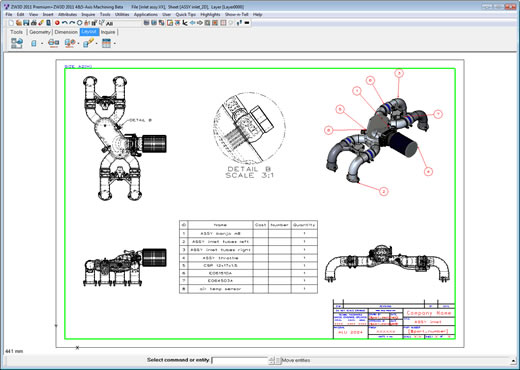
ZW3D automatically creates 2D associative detail drawings directly from the 3D model irrespective of size - from single parts to full assemblies. Fast dimensioning and BOM creation, together with associative section and detail views speed up drafting. Translators for leading CAD systems allow easy and reliable data sharing.
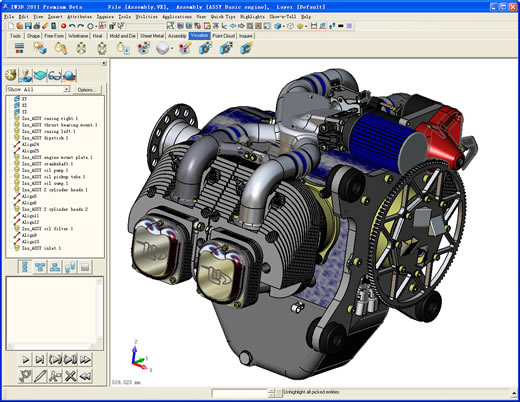
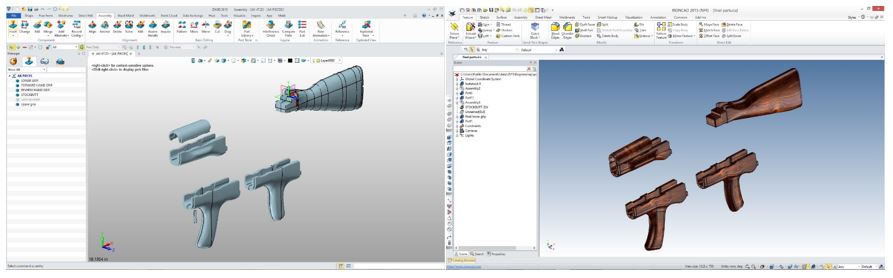
Assembly Lightweight ZW3D BurstTM technology enables very large assemblies to be manipulated at high speed without computer memory constraints. These can then be stored in the most appropriate way for each project. The tree structure for an assembly allows individual components to be graphically highlighted for easy modification. The PartSolutionsTM library makes standard parts from leading suppliers instantly available to the designer. Data management, controls design revisions and engineering changes.
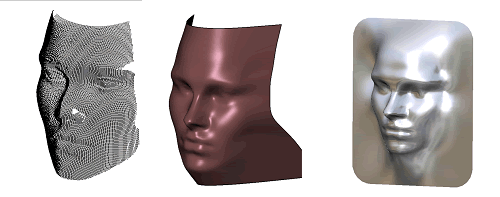
Reverse Engineering 2015 Users can correct gaps in imported model geometry and also finish part design faster with ZW3D healing operations. Functions make it easy to sew surfaces together, fill gaps with a new surface, analyze surface topology and specify tolerances to quickly achieve a perfect solid model.
For more information or to download ZW3D, Give us a call.
ZW3D has authorized TECH-NET to sell ZWCAD, an Autocad Clone. I have
to tell you, I will not be supporting it since I am only 3D and have
never used an electronic drafting package.
Maintenance Note:Maintenance Note: You have to have the maintenance in effect before the next release.
ZW3DAll the above come with the ability
To Import and export the Native files: Give me a call when you get it downloaded and I will set up a gotomeeting and give you a demonstration and some tips See you online Joe Brouwer
206-842-0360 |

TECH-NET ASSOCIATES | RENDERING OF THE MONTH | CAD•CAM SERVICES
HARDWARE | TECH TIPS | EMPLOYMENT | CONTACT